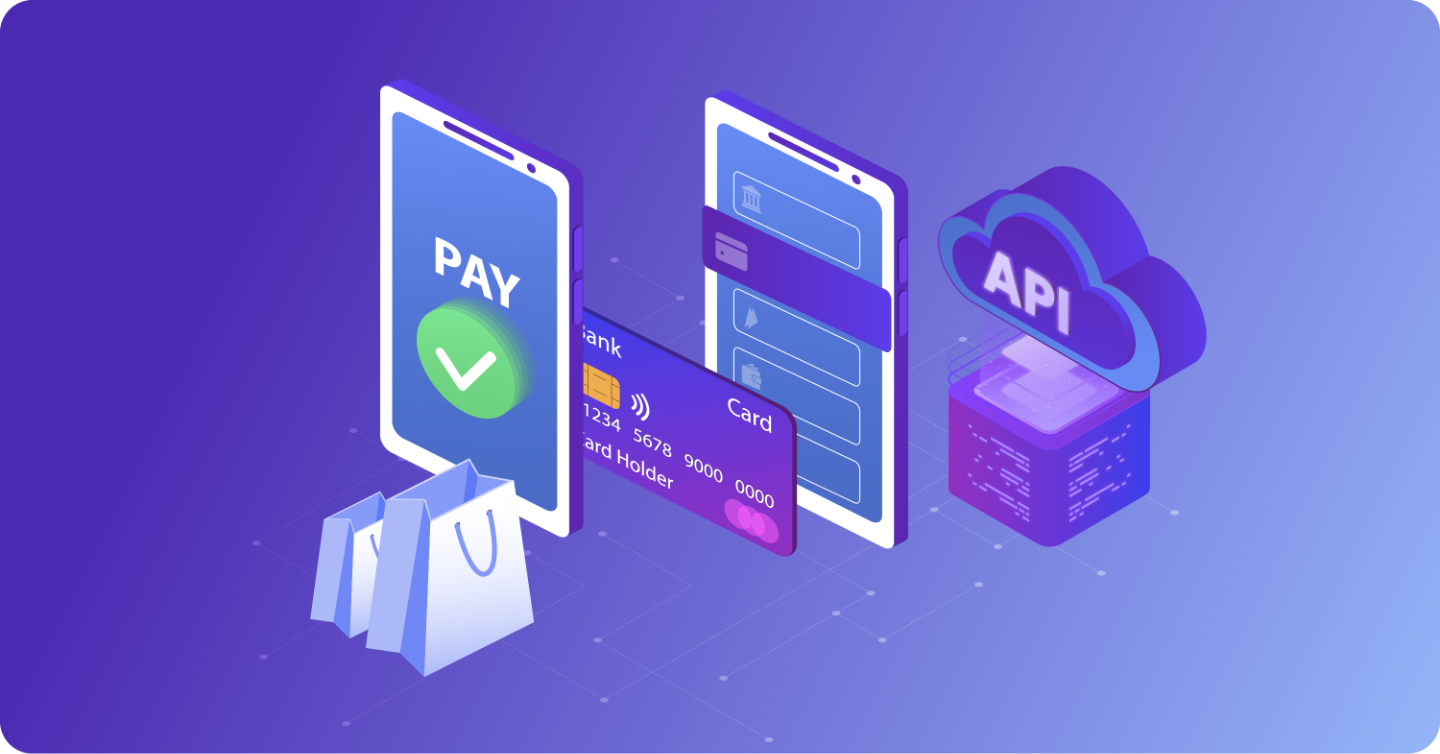
Nobody starts a small business thinking about payment infrastructure. You are focused on your product, your customers, your growth. But the moment someone tries to buy from you online and something goes wrong at checkout, that is all you can think about. A payment gateway for small businesses is the piece of tech that makes sure that never happens.
US retail ecommerce hit $316.1 billion in a single quarter in Q4 2025. Every single one of those transactions ran through a gateway. That is not a coincidence.
Ten years ago, plenty of small businesses got by on cash, checks, and the occasional card swipe. That window is closed. Customers today expect fast, frictionless checkout, and if you cannot give them that, someone else will.
Okay, But What Actually Is a Payment Gateway?
The simplest way to explain it: when a customer enters their card details on your site, that information needs to travel somewhere securely, get verified, and come back with an approval or decline, all before the customer loses patience.
The gateway is what makes that happen. It is the digital equivalent of the card reader at a physical store, just working a lot faster and handling a lot more complexity behind the scenes.
How the Whole Thing Works, Step by Step
It looks instant from the customer’s side. But there is quite a bit happening in those few seconds.
The Customer Pays They type in their card number, hit pay, and the gateway immediately encrypts that data. SSL-level encryption ensures nothing sensitive travels in the open.
The Request Goes Out That encrypted data moves to the payment processor, which sends it along to the card network, Visa, Mastercard, whatever the customer is using. The card network pings the customer’s bank to check if the funds are actually there.
Approval Comes Back The bank says yes or no. That response travels back through the same chain and shows up on your checkout page within seconds. Approved, declined, done.
Money Moves After approval, the transaction goes through clearing and the funds land in your merchant account. Usually takes one to three business days depending on your setup.
The Different Types of Gateways
This part matters more than most people realize when they are first setting things up.
Hosted gateways send your customer to a third-party page to complete the payment. Quick to set up, PCI compliant out of the box, but you give up some control over how checkout looks and feels. That friction can hurt conversions.
Self-hosted or API gateways keep everything on your own site. Cleaner experience, better branding, more customization. You do take on more responsibility for security and compliance though.
Redirect gateways are a middle ground a lot of small businesses land on. You get the trust factor of a larger platform handling the payment side without building everything yourself.
What You Actually Need to Look For
Transaction fees are the first thing people check and honestly one of the least important things to fixate on. The stuff that really bites you later is what you did not ask about upfront.
Look at fraud detection tools, chargeback management, recurring billing support, and how cleanly the gateway plugs into your existing platform. Mobile ecommerce is only getting bigger too, so a checkout that falls apart on a phone is a real problem.
If you run any kind of subscription or membership model, make sure recurring billing is built in natively. Connecting mismatched tools to handle that always causes issues eventually.
Why a Dedicated Merchant Account Changes Things
This is where providers like Mercuria Payments do things differently. A dedicated merchant account means your processing is not pooled with thousands of other businesses under one umbrella account.
That matters because aggregated accounts, the kind you get with a lot of popular processors, are far more likely to hit you with sudden holds or freezes, sometimes with no warning at all. A dedicated setup gives you stability, cleaner account history, and a lot less anxiety when you are trying to run a business.
The Mistakes Most Small Businesses Make
Going with the most recognizable name without thinking about fit. That is the big one.
Popular platforms are convenient, sure. But if you are running high-ticket sales, digital products, subscriptions, or trial offers, those same platforms can turn around and freeze your account because your business model triggers their risk filters. Starting with the right processor for your actual situation saves a painful lesson down the road.
Final Thoughts
Getting a payment gateway set up feels like a one-time task but it genuinely affects everything, your conversion rate, your cash flow, your customer experience, your ability to scale without surprises.
A payment gateway for small businesses is not something you should ever have to think about after setup. It should process every transaction, flag every risk, and keep your checkout moving without you lifting a finger. If it is demanding your attention, something is already wrong.
Take the time to get this one right.
Frequently asked questions about payment gateways
What is the difference between a payment gateway and a payment processor?
The gateway handles capturing and encrypting payment data. The processor is what actually moves the money between banks. Most providers bundle both together, but they are doing two different jobs.
Is a payment gateway automatically PCI compliant?
Hosted gateways usually handle compliance for you. Self-hosted or API setups put more of that responsibility on your end. Worth confirming before you commit.
Do small businesses need a dedicated merchant account?
Not always, but if you are scaling, running subscriptions, or in an industry that processors tend to flag, it is worth it. The stability alone makes a difference.
How fast do payments settle?
Most land within one to three business days. Some setups offer next-day or even same-day funding depending on your account tier and provider.
Can I switch gateways later if I pick the wrong one?
You can, but it is not a simple process. Re-integrating, migrating customer data, and retesting everything takes real time. Better to get it right the first time than deal with the switch mid-growth.